
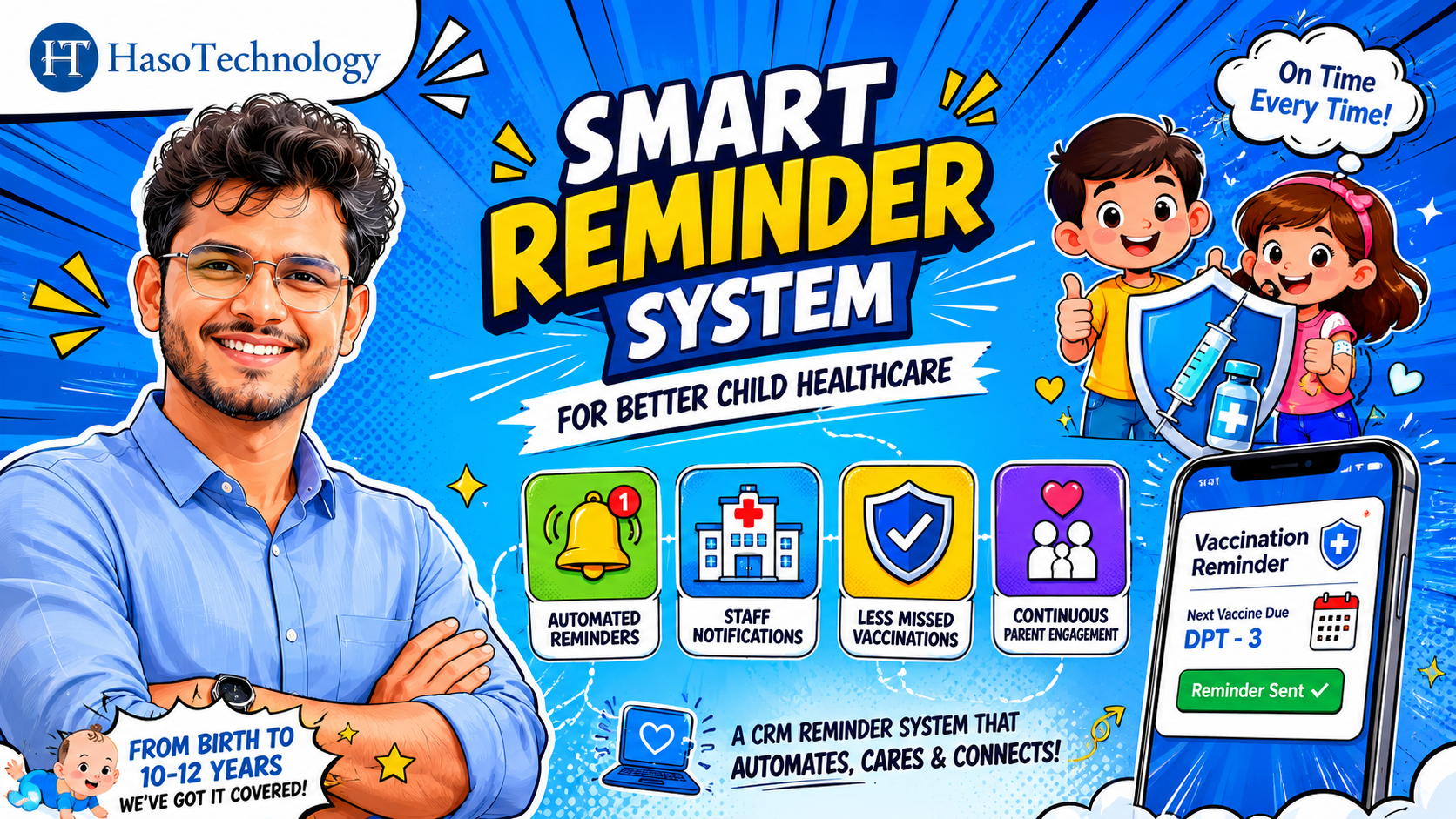
 If you’re running a business, you’ve probably received messages like:
- “What’s the status of my order?”
- “Has the project moved to the next stage?”
- “Any updates on my request?”
- “When can I expect the next step?”
While these questions are completely reasonable, responding to them repeatedly can consume a significant amount of your team’s time. As your business grows, manually updating every customer becomes increasingly difficult.
This is where a CRM (Customer Relationship Management) system can make a major difference.
The Problem with Manual Customer Updates
Many businesses rely on phone calls, emails, WhatsApp messages, or spreadsheets to keep customers informed. While this may work when you have a small number of customers, it quickly becomes a challenge as your customer base expands.
Common issues include:
- Delayed responses
- Missed updates
- Inconsistent communication
- Increased workload for sales and support teams
- Frustrated customers who feel uninformed
When your team spends hours every week providing status updates, that’s time taken away from activities that drive growth.
How CRM Solves the Problem
A well-configured CRM can automatically keep customers informed throughout their journey.
Instead of manually sending updates, you can create workflows that trigger notifications whenever a process reaches a specific stage.
For example:
Sales Process
- Lead created
- Proposal sent
- Negotiation started
- Deal closed
The CRM can automatically notify the customer at each step.
Service Requests
- Request received
- Under review
- In progress
- Completed
Customers receive updates without needing to contact your team.
Project Management
- Project started
- Milestone completed
- Testing phase
- Final delivery
Everyone stays informed automatically.
Benefits of Automated Customer Updates
1. Better Customer Experience
Customers appreciate transparency. When they know what’s happening, they feel more confident about working with your business.
2. Fewer Follow-Up Calls and Messages
Automated updates significantly reduce the number of status inquiries your team receives.
3. Improved Team Productivity
Your employees can focus on sales, service delivery, and business growth instead of repeatedly answering the same questions.
4. Consistent Communication
Every customer receives the right information at the right time, reducing the risk of missed or forgotten updates.
5. Scalability
As your business grows, automated processes continue to work without requiring additional effort from your team.
CRM Is More Than a Contact Database
Many businesses use CRM systems only to store customer information. While contact management is important, modern CRM platforms can do much more.
They can automate:
- Customer notifications
- Follow-up reminders
- Lead nurturing
- Sales pipelines
- Task assignments
- Service workflows
- Reporting and analytics
When used effectively, a CRM becomes a business growth tool—not just a customer database.
Getting Started
If you’re already using a CRM, review your current customer journey and identify points where customers typically ask for updates.
Then:
- Map out your process stages.
- Define the updates customers need.
- Configure automated notifications.
- Test the workflow.
- Continuously improve the customer experience.
Even a few automated updates can dramatically reduce manual communication.
Frequently Asked Questions (FAQ)
1. What is CRM automation?
CRM automation is the process of using a CRM system to automatically perform tasks such as sending customer updates, assigning tasks, creating follow-ups, and managing workflows without manual intervention.
2. Can a CRM automatically send customer updates?
Yes. Most modern CRM platforms can automatically send updates through email, SMS, WhatsApp, or in-app notifications when a customer reaches a specific stage in your sales, service, or project workflow.
3. How does CRM reduce customer follow-ups?
By proactively informing customers about progress and status changes, a CRM reduces the need for customers to contact your team for updates.
4. Which businesses benefit most from automated customer updates?
Businesses that manage ongoing customer interactions benefit the most, including:
- Agencies
- Consultants
- Real estate companies
- SaaS businesses
- Service providers
- Healthcare providers
- Manufacturing companies
- E-commerce businesses
5. Can small businesses use CRM automation?
Absolutely. Many CRM solutions offer affordable plans and automation features designed specifically for small and growing businesses.
6. What types of updates can be automated?
You can automate:
- Lead status updates
- Order confirmations
- Project milestones
- Service request progress
- Appointment reminders
- Payment reminders
- Contract approvals
- Delivery notifications
7. Does CRM automation improve customer satisfaction?
Yes. Customers value timely and transparent communication. Automated updates help keep them informed, improving trust and overall satisfaction.
8. Is CRM automation difficult to set up?
Most modern CRM platforms provide easy-to-use workflow builders that allow businesses to create automated customer journeys with minimal technical knowledge.
9. Can CRM integrate with email and WhatsApp?
Many CRM platforms offer integrations with email services, WhatsApp, SMS providers, and other communication tools to ensure customers receive updates through their preferred channels.
10. What is the biggest benefit of automated customer updates?
The biggest benefit is saving time while improving customer experience. Your team spends less time answering repetitive questions and more time focusing on revenue-generating activities.
Final Thoughts
If your customers are constantly asking for updates, the problem may not be your team—it may be your process.
A properly configured CRM can automatically keep customers informed, reduce repetitive work, and free your team to focus on what matters most: growing the business.
Instead of spending your day sending updates, let your CRM handle the communication while you focus on delivering value and driving growth.
Leave a Reply